
June 02, 2024
Announcing Rsdoctor 0.3
Rsdoctor 0.3 has been released!
The new features of Rsdoctor 0.3 include:
- Custom Extension Rules: Users can customize their own rule checks through the interface.
- Support for Banner Plugin: Added support for the Banner Plugin, which adds template wrapping to the bundled code, allowing analysis of code changes.
- Support for ESM Loader Analysis: Added support for analyzing ESM Loaders in the compilation analysis in Rspack.
Custom extension rules
Considering that users may have their own specific rule definition requirements, Rsdoctor provides an external interface for users to customize their own rule checks in addition to the internal rules already available.
External extension interfaces need to be configured on the Rsdoctor plugin through the extends field, and their configurations are also placed in the rules field.
For more details, please refer to: Custom Extension Rules
Additionally, the use of custom rules can also be applied for user data collection and reporting. Data Reporting
- Example:
Support for banner plugin
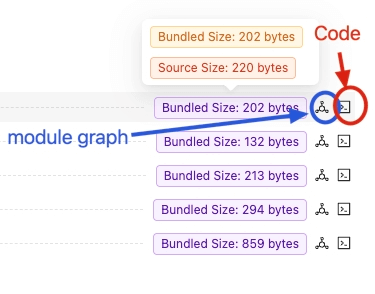
Both Rspack and webpack support the BannerPlugin, which is an built-in plugin that allows you to add specific content at the top or bottom of the generated chunks. The added code will affect the parsing capability of the bundle.
Therefore, Rsdoctor has added support for the Banner Plugin.
Please refer to Support for BannerPlugin
Support for ESM loader
Starting from [email protected], support for ESM Loader execution with .js extension and type: module configuration in package.json is added (related issue). Therefore, Rsdoctor also supports the analysis of ESM Loader, mainly supporting the following two types:
- ESM Loader with
.mjsextension. - ESM Loader with
.jsextension andtype: moduleconfiguration inpackage.json.
Support for defining port
Support for defining the port of Rsdoctor service has been added.
- Example:
Support for parse bundle configuration
In some large repositories, the execution time for parsing bundles is significant. This is because the Parse Bundle analysis relies on AST parsing and processing, which can be time-consuming when there are a large number of files.
If this capability is not necessary, it can be selectively disabled using the supports.parseBundle configuration. Here is an example:
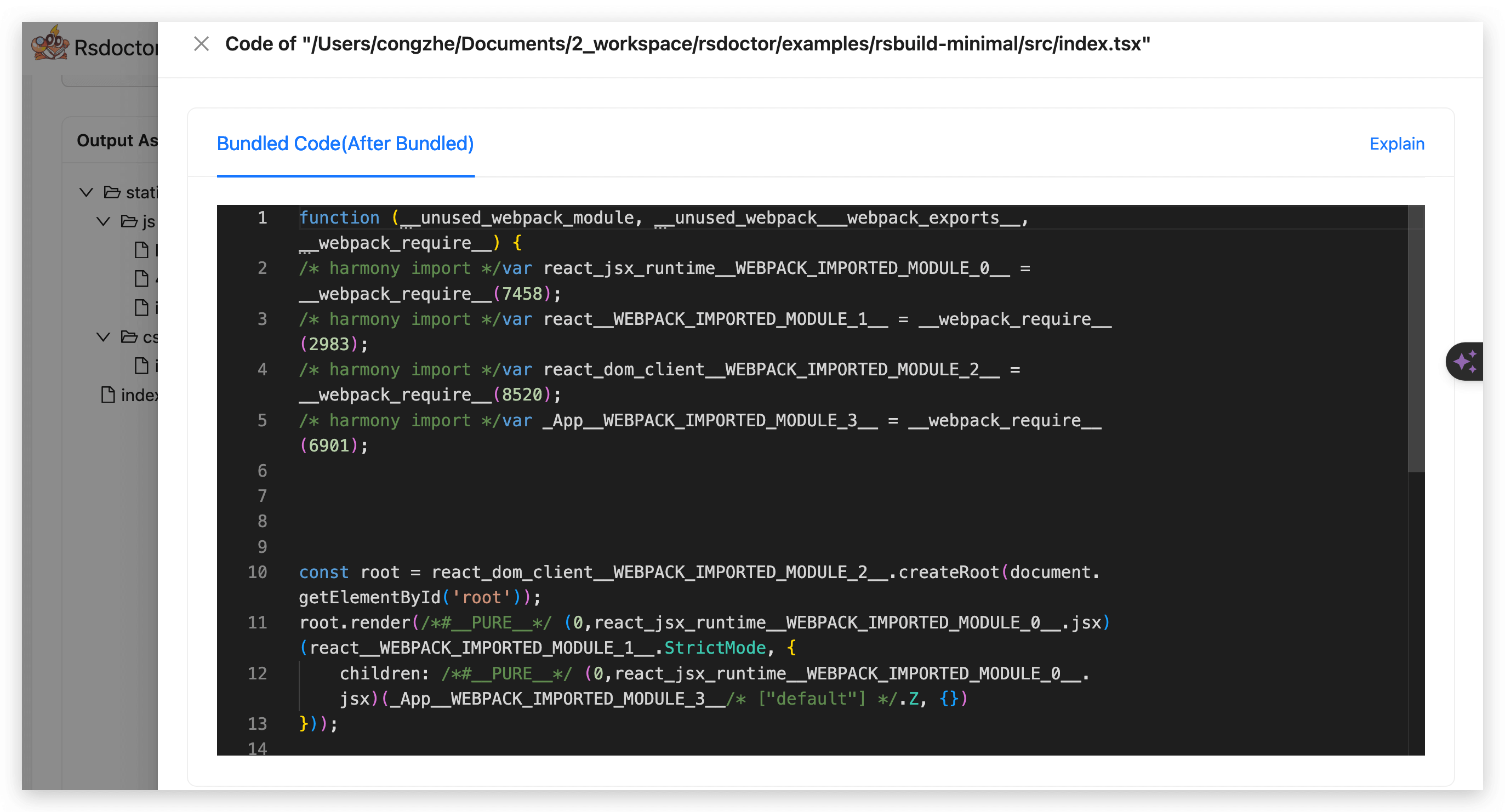
Disabling the Parse Bundle capability only affects the ability to view the final bundled size and code of modules in the bundle (Bundled Code).