

Project overall
Overview
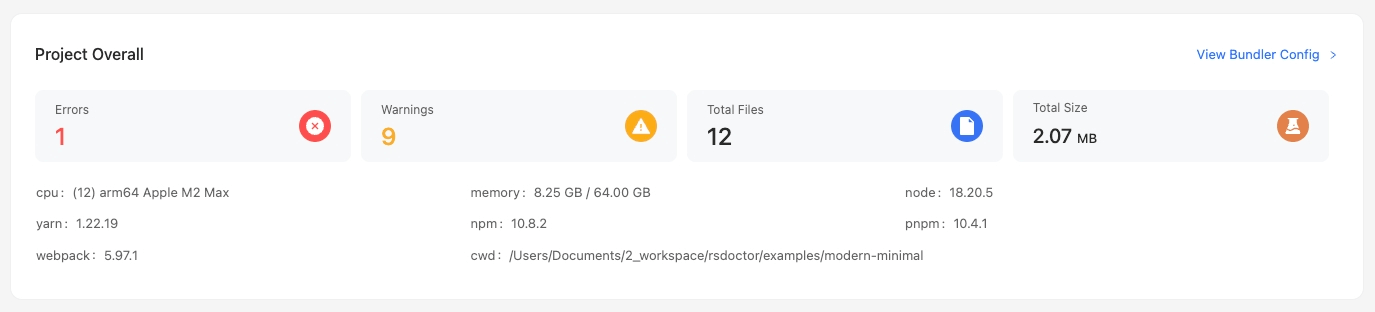
In the main page of Rsdoctor, we can see a card named Project Overall, which provides information about the current project's configuration, version, and alerts. The content is shown in the following image:
Glossary
Usage
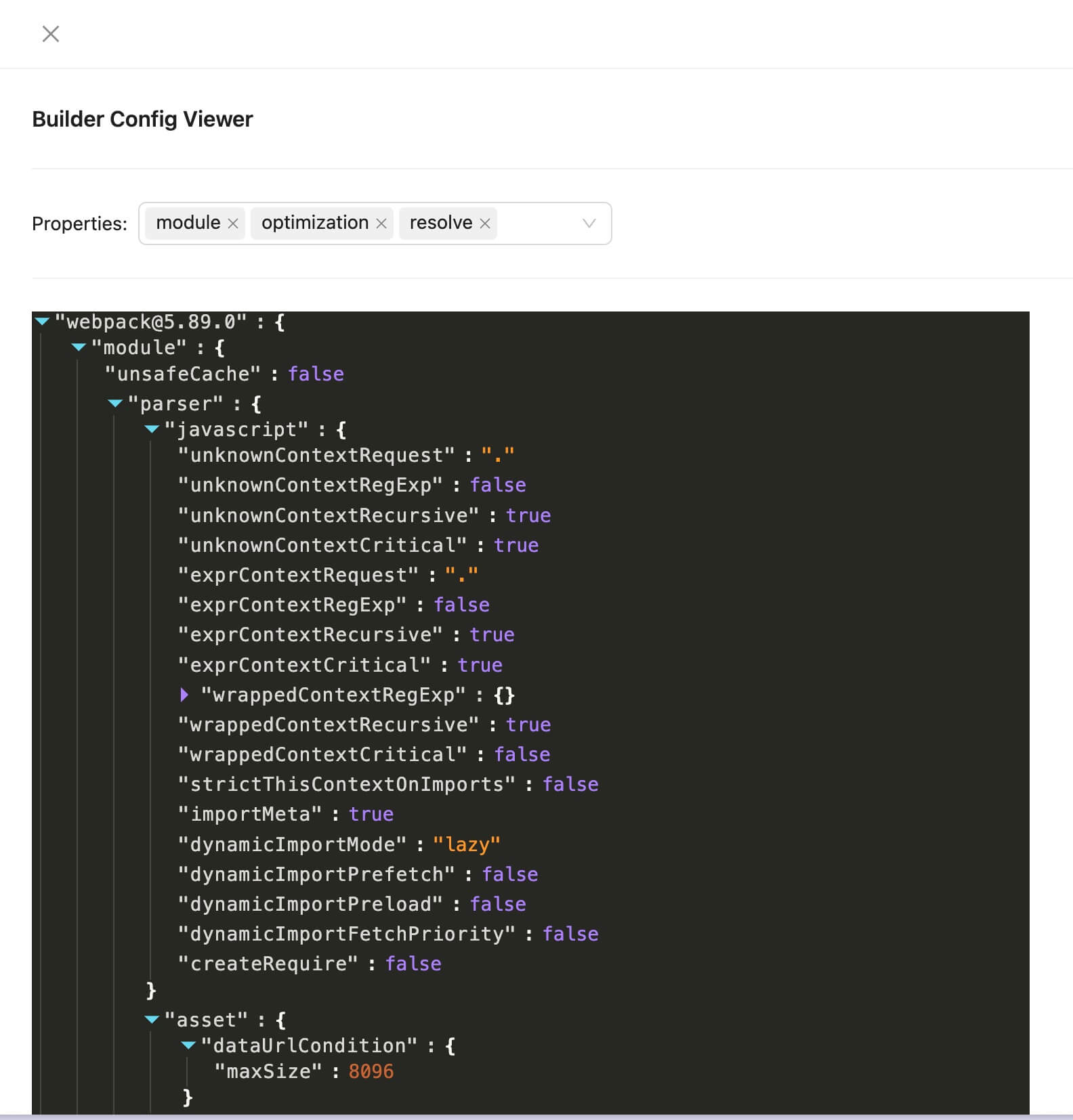
View Rspack config
To inspect the project's Rspack configuration, click View Rspack Config in the top-right corner of the card. The popup contains the serialized Rspack configuration:
errors / warns
If the numbers displayed in the errors and warns sections of the card are greater than 0, we can click on them to view the corresponding details list. The following image shows an example using warns:
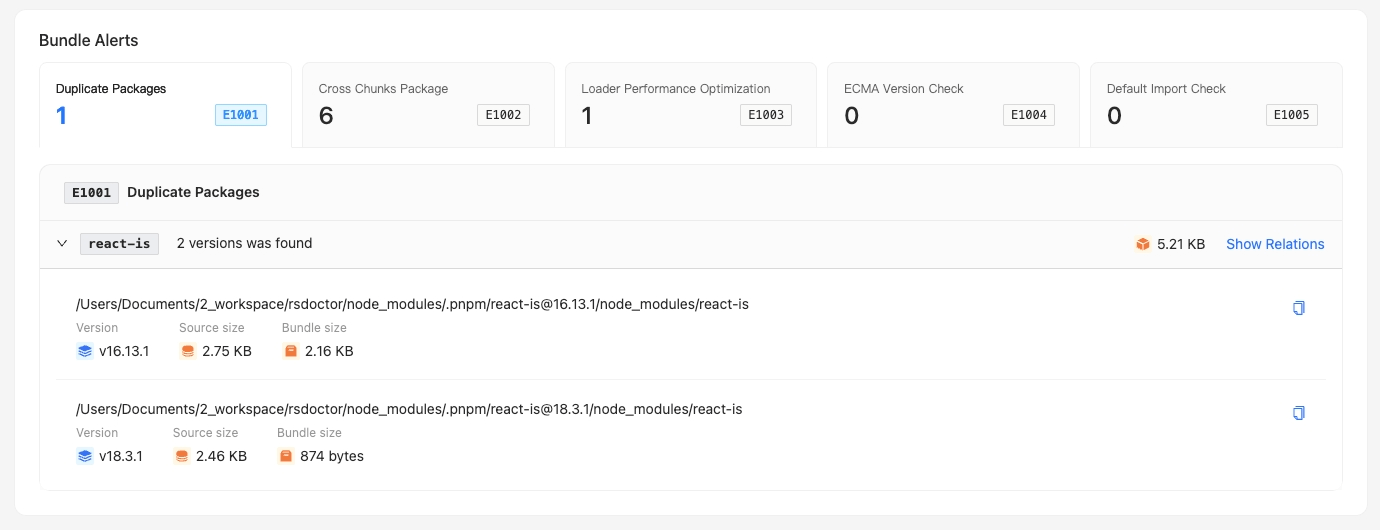
We can see the list of warn level alerts detected by Rsdoctor.